What can AI do for my business? A plain guide, area by area
AI is good at the repetitive reading, writing and sorting that fills a small business's week. Here's what that looks like in each part of yours, where to start and what to watch.
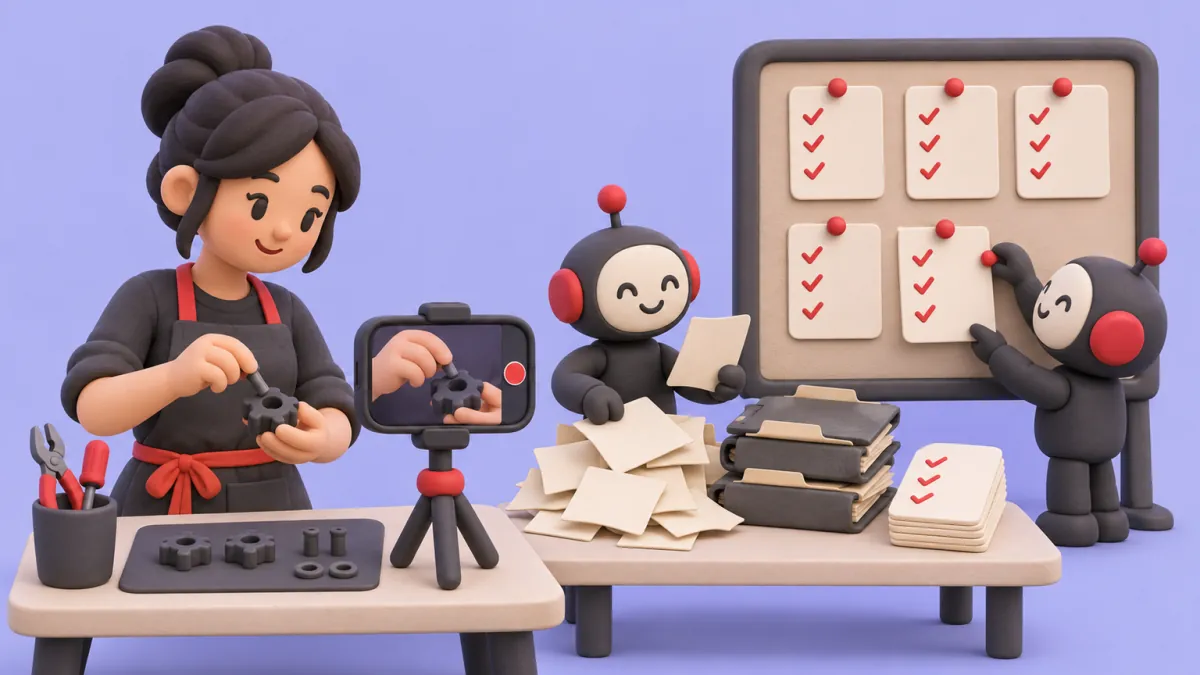
AI can take over much of the repetitive work in a small business: answering routine calls and messages, following up leads and quotes, chasing invoices, moving data from one system to another, and drafting the first version of quotes, schedules and documents. It can't run the business for you. You still decide prices, people and priorities.
Most Canadian businesses haven't started. Statistics Canada found that 19.2% of businesses used AI to produce goods or deliver services in the 12 months before its spring 2026 survey, and 40.0% said AI isn't relevant to them. The most common barrier was cybersecurity or privacy concerns, named by 13.4%, ahead of cost. In the US, the Census Bureau put the national rate at 19.8% in May 2026, and less than 20% of firms with four or fewer employees reported using AI.
- 19.2%
- of Canadian businesses used AI to produce goods or deliver services, Q2 2026, per Statistics Canada
- 6.1%
- did two years earlier, in Q2 2024, per Statistics Canada
- 13.4%
- named cybersecurity or privacy as a barrier to using AI, the top answer, per Statistics Canada
How can AI help a small business?
AI helps a small business most with tasks that are frequent, follow clear rules and are mostly about words or data: reading an email, answering a question, filling in a form, sending a reminder. It's weaker at judgment calls, unusual situations and anything where a mistake is costly and hard to spot.
Among Canadian businesses already using AI, the most common uses were data analytics (36.6%), text analytics (34.5%) and virtual agents or chatbots (28.2%). For a small business, it usually shows up in one of three forms:
- A chat assistant you type into. Good for drafting emails, job ads and policies. It knows nothing about your business unless you tell it every time.
- AI features inside software you already pay for, like your accounting, CRM or phone system. Check these first, because they may already do part of the job.
- An automation connected to your tools that does a whole task from start to finish: reads the enquiry, replies, books the job and logs it. This is where most of the hours come back, and where setup needs the most care.
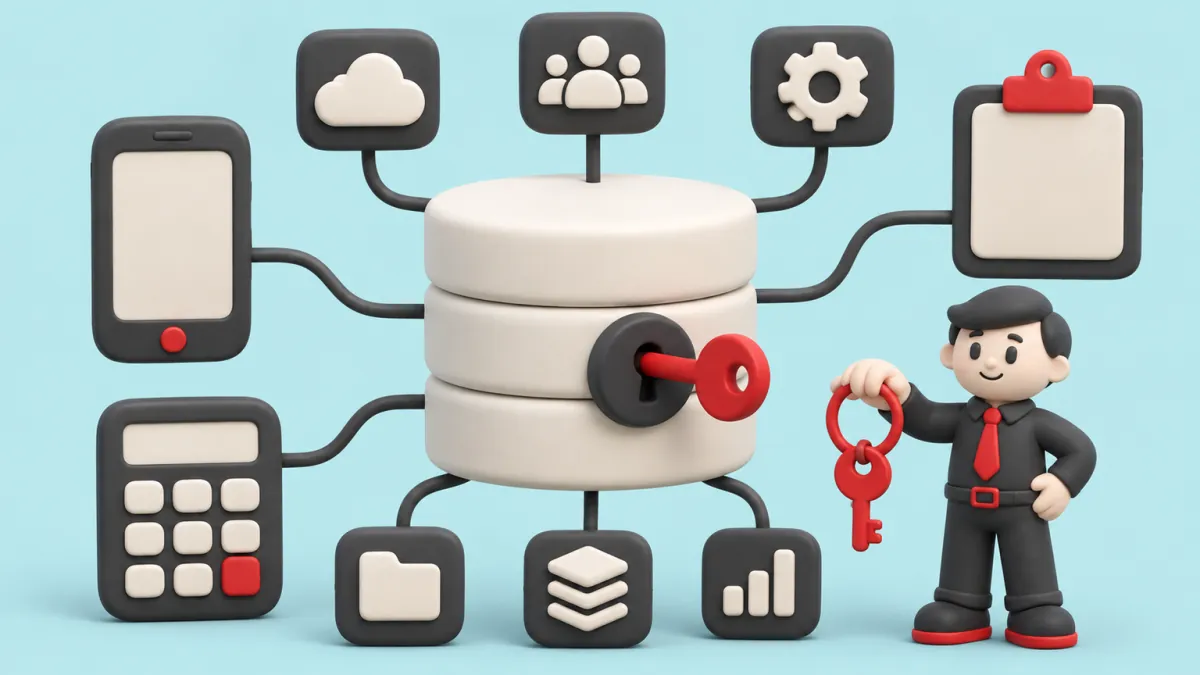
Below are two or three concrete examples for each part of a business, each linked to a longer guide.
AI for sales and leads
In sales, AI's main job is making sure no interested customer waits or gets forgotten. It replies fast, follows up on schedule and brings past customers back.
- Reply to every web enquiry within minutes, with real answers and a booking link. Harvard Business Review researchers found that firms trying to reach a lead within an hour were nearly seven times as likely to reach a decision maker as firms that waited an hour longer.
- Follow up on every quote at set intervals until the customer answers. See how to follow up on a quote.
- Find past customers due for repeat work and send each a personal note, within the limits of Canada's anti-spam law. See lead follow-up.
The full list of eight sales uses, with what each needs: how to use AI to increase sales. If growth has stalled more broadly, start with why your small business isn't growing.
AI for customer service and phones
AI can answer the phone, reply to common questions and send booking reminders at any hour, and pass anything unusual to a person. It works best when it's limited to answers you've written or approved.
- An AI receptionist that answers the calls you miss, books into your calendar and texts back anyone who hangs up. See is an AI receptionist worth it, can AI replace a receptionist and missed calls.
- Appointment reminders and confirmations that cut no-shows. See how to reduce no-shows.
- Answers to common questions by email, text or web chat, using your own policies and prices. For how this compares with a human assistant, see virtual assistant vs AI.
One warning applies to all three. When Air Canada's website chatbot gave a customer wrong fare information, BC's Civil Resolution Tribunal held the airline responsible and wrote that "it makes no difference whether the information comes from a static page or a chatbot." What AI tells your customers, your business has said.
AI for quoting and estimating
AI can draft quotes from your notes, photos and price book, compare them with past jobs and track which ones are still waiting on an answer. You approve every price before it goes out.
- Draft a quote the same day from site photos, measurements and a voice note. See same-day quotes drafted by AI.
- Flag a draft that looks low or high compared with similar past jobs, before the customer sees it.
- Chase open quotes on a schedule and tell you who replied. See quote follow-up.
AI for money: invoicing, collections, bookkeeping and cash flow
AI can send invoices when jobs finish, chase late payments politely, sort receipts for your bookkeeper and forecast your cash a few months ahead. A person should approve anything that moves money.
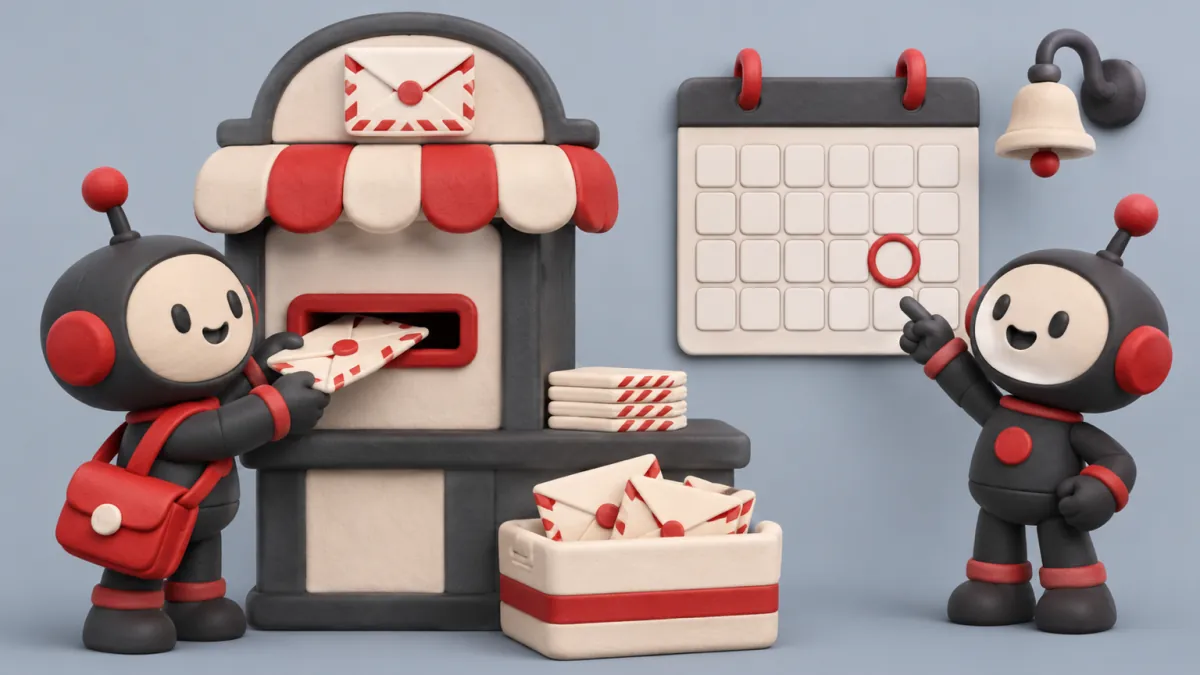
- Send the invoice when the job is marked done, then send reminders before and after the due date.
- Read receipts and bills, match them to bank transactions and flag what doesn't fit, for your bookkeeper to review. See AI for invoices, taxes and bookkeeping.
- Build a 13-week cash forecast every Monday from open invoices and bills, dated by when each customer really pays. See the weekly cash forecast.
AI shouldn't file your taxes or pay bills on its own. It prepares the work, and you and your accountant decide.
AI for operations: scheduling, inventory and data entry
In operations, AI's best work is moving information between systems and keeping schedules and stock counts current, so nobody types the same thing twice.
- Build staff schedules from availability, expected demand and labour rules, and handle shift swaps. See restaurant staff scheduling.
- Track stock, predict when to reorder and draft purchase orders for you to approve. See inventory for retail stores.
- Read forms, emails and PDFs and enter the details into your systems, with anything unclear flagged for a person. Before automating any process, write it down. See getting the process out of the owner's head.
AI for hiring and admin
AI can draft job posts, sort applications against your criteria, book interviews and prepare onboarding documents. A person should make every hiring decision.
- Draft a job post and interview questions from a description of the role. For a provincial example of the steps, see how to hire an employee in BC. Rules differ by province.
- Sort applications against your must-haves and flag the ones to read first. See how to screen job applications.
- Handle admin like booking, reminders, filing and sorting email. Before you hire for it, read do I need an administrative assistant and run the employee cost calculator.
Rules on AI in hiring vary. In Ontario, employers with 25 or more employees must disclose in publicly advertised job postings if they use AI to screen, assess or select applicants, for postings made on or after January 1, 2026. Check your own province's rules. If the real problem is that nobody applies, see why it's so hard to find workers.
Where should a small business start with AI?
Start with the task that eats the most hours and costs you the most when it goes wrong. A simple score is hours per week (minutes each time × times per week) multiplied by how costly an error is.
- List the repetitive tasks you and your staff did last week.
- For each, write the minutes it takes and how many times a week it happens. Multiply, then divide by 60 for hours per week.
- Rate what a mistake or delay costs: 1 if it's minor, 2 if it takes time to fix, 3 if it loses a sale or a payment.
- Multiply hours per week by that rating. The highest score is your first project.
Here's an example for a small trades business. The numbers are made up to show the method:
- Replying to web enquiries: 10 minutes × 25 a week is about 4.2 hours. Slow replies lose jobs, so it's a 3. Score: 12.5.
- Entering receipts for the bookkeeper: 3 minutes × 60 a week is 3 hours. Errors take time to fix, so it's a 2. Score: 6.
- Building next week's schedule: 90 minutes × 1 is 1.5 hours. A double booking loses a customer, so it's a 3. Score: 4.5.
Enquiry replies win here. Your numbers will differ. Also favour tasks where the information is already digital, because AI can't read the notebook in your truck. The ROI calculator and the quiz help put numbers on it.
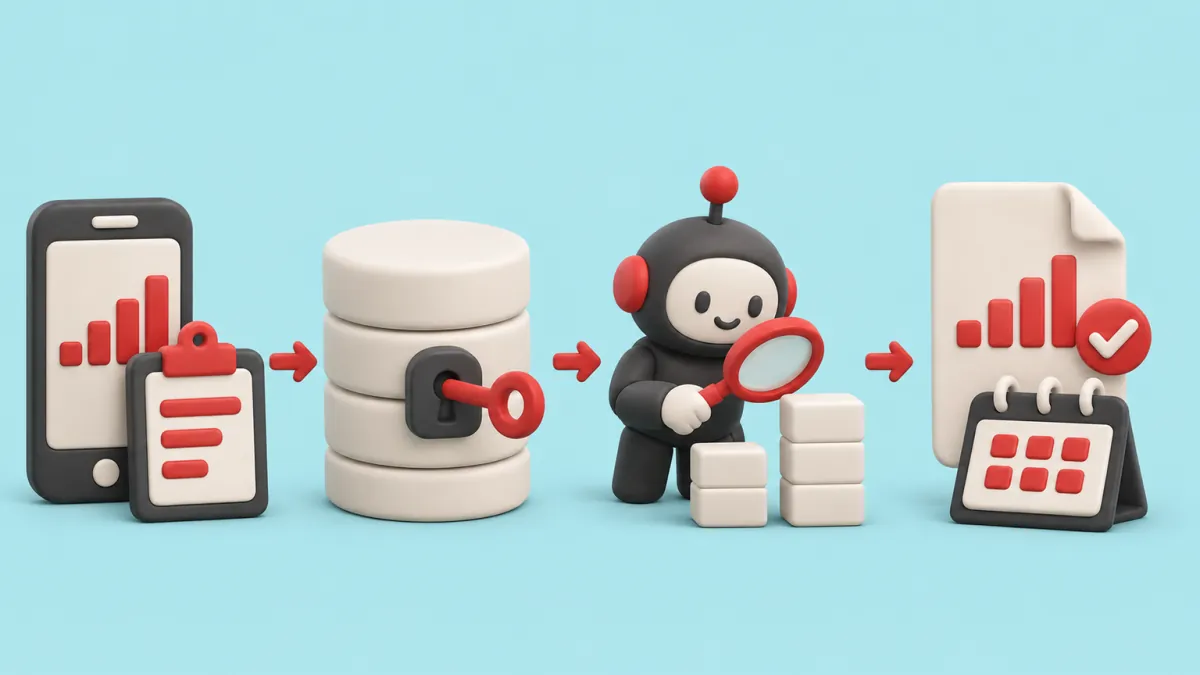
- Your records
- One place you own
- AI does the task
- You check the result
Want to see this mapped to your business?
Risks of using AI in a small business
The main risks are wrong answers given in your name, customer data handled carelessly and getting stuck with a tool you can't leave. Each one can be managed with a few rules.
- Wrong answers. You're responsible for what AI tells customers, as the Air Canada ruling showed. Limit it to approved answers and read a sample every week.
- Privacy. Don't paste customer details into public AI tools. Canada's privacy regulators advise putting personal information into prompts only where authorised, and using de-identified data where you can.
- Lock-in. If a vendor holds your data and your workflows, leaving gets expensive. See own your software and data.
- Silent failure. An automation that breaks quietly is worse than none. Have it report what it did each day.
- Staff trust. Tell your team what AI will and won't do before it starts.
AI and privacy law in Canada: PIPEDA and provincial rules
In most of Canada, a business using AI on customer information must follow PIPEDA. British Columbia, Alberta and Quebec have their own private-sector privacy laws, and PIPEDA still applies when information crosses provincial or national borders.
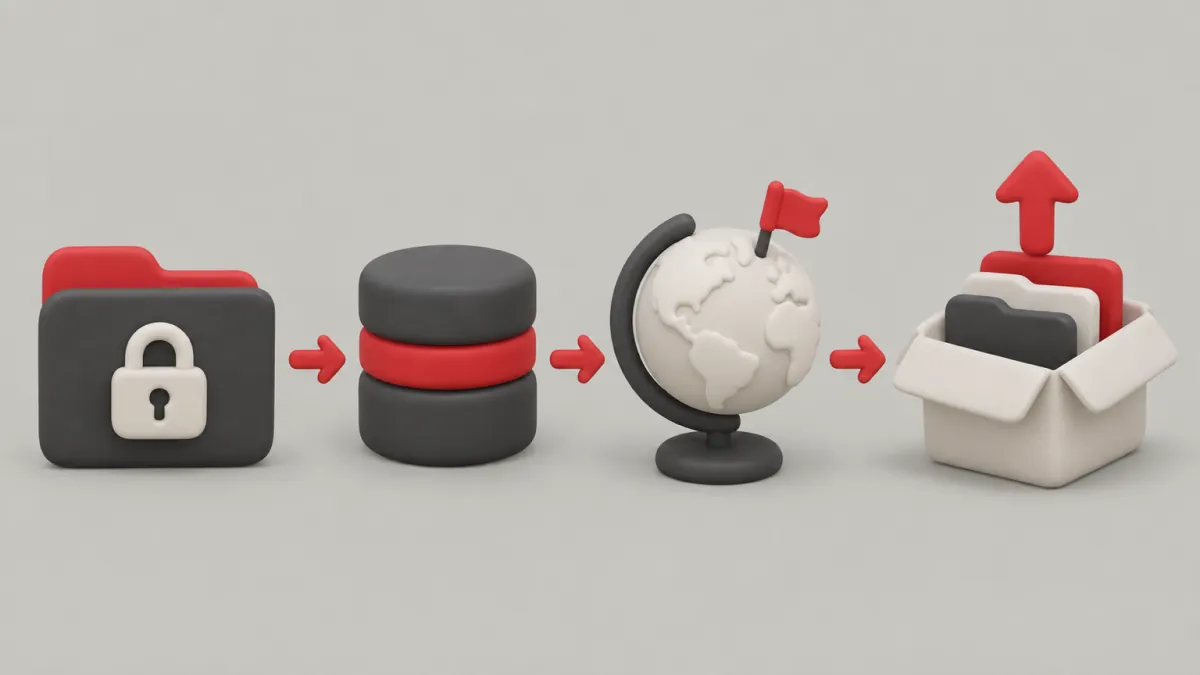
According to the Privacy Commissioner of Canada, PIPEDA applies to private-sector organizations across Canada that collect, use or disclose personal information in commercial activities. Alberta, BC and Quebec have laws deemed substantially similar, and businesses there generally follow the provincial law for information handled inside the province.
BC's Personal Information Protection Act shows what these laws ask. A business must get consent to collect, use or disclose personal information (section 6), tell people why before it collects (section 10), protect it with reasonable security (section 34), and stays responsible for personal information under its control even when it's not in its custody (section 4), such as data held by a software vendor. Other provinces' laws differ in the details, so check the one that applies to you.
Canada's federal, provincial and territorial privacy regulators also published principles for generative AI in December 2023. Three matter most for a small business:
- Tell people when they're interacting with a generative AI tool.
- Only put personal information into prompts where you're authorised to, and use de-identified data where you can.
- Accountability for decisions stays with your business, not the tool.
If you have customers in the US, check the rules in their states too. None of this is legal advice. For anything sensitive, talk to a lawyer.
If you'd rather have it built for you
You can do a lot of this yourself with off-the-shelf tools. If you'd rather have it built around how your business already works, that's what we do at Syncafy.
We're a small AI automation firm based in Vancouver, working with businesses across Canada and the US. We build each business its own software for the repetitive work: answering calls, replying to and following up leads, chasing quotes and invoices, data entry, scheduling, reminders and paperwork. It runs in your accounts, and you own the software and the data.
Two real examples. XRQ, a US concrete subcontractor, had more than 40,000 bid emails and no database. We moved them into a database XRQ owns, and AI agents now read and flag new bids. Winnipeg Planet, a computer repair shop in Winnipeg, has AI reply to every repair request, book it and tell the right tech. Anything else here is a playbook for how we'd approach your business, not a report on a client.
- A free 30-minute call to score your tasks with you.
- A $750 roadmap, credited to the build if you go ahead.
- A fixed-quote build, usually $4K to $8K CAD.
- Running costs of $750 to $1.5K a month.
- Your first workflow live in 2 to 4 weeks.
See what we fix, pricing and what AI automation costs a small business. You may not need to hire for the repetitive part of the work. Some provinces help pay for tech projects too. Manitoba's options are one example, and other provinces' programs differ.
Start small
Write down last week's repetitive tasks and score them with hours × frequency × errors. Fix only the top one. When it's running well and you've measured the result, score the list again and pick the next.
Questions people ask
Can AI run my business?
No. AI can run individual tasks, like answering routine calls, sending follow-ups or entering data, but it can't set prices, manage people or make judgment calls about customers. Owners who get the most from it use it to free up time for those decisions.
What is the best AI for a small business?
There isn't one best tool. A chat assistant helps with writing, AI features in your existing software may cover reminders or bookkeeping, and a connected automation handles whole tasks like replying to enquiries. Pick the task that costs you the most hours and errors first, then the tool that fits it.
How much does AI cost for a small business?
Off-the-shelf AI tools usually charge a monthly subscription, often per user or per use. Custom automations add a one-time build cost plus running costs. Compare the total with the hours it saves and the sales it recovers, not with zero.
Is it safe to use AI with customer information?
It can be, if you follow privacy law and set clear rules. In Canada that means PIPEDA or your provincial privacy law: get consent, protect the data and stay responsible for it even when a vendor stores it. Avoid pasting customer details into public AI tools, and tell people when they're dealing with AI.
How do I start using AI as a small business owner?
List last week's repetitive tasks, estimate the hours each takes and note which ones cost you money when they go wrong. Start with the top one, measure before and after, and expand only once it works.
Not sure where AI fits in your business?
Bring a list of last week's repetitive tasks to a free 30-minute call. We'll score them with you and point to the one worth fixing first.