Can AI replace a receptionist? Part of the job, yes. The whole job, no.
AI can now answer, book and text back without a break. It still can't calm an upset caller, greet a walk-in or sort out a mess. Here's where the line sits, what each option costs, and the rules in Canada.

Can AI replace a receptionist?
Partly. AI can now handle the phone work that repeats: answering every call, common questions, booking, texting back missed callers and after-hours calls. It can't replace the judgment, the calm voice with an upset caller, the in-person welcome or the handling of messy exceptions, so most small businesses get the best result from AI plus a person.
Here's how a typical front desk's work splits.
What AI handles well:
- Answering every call on the first ring, at 2 p.m. or 2 a.m., including when three people call at once.
- The same ten questions: hours, prices, service area, parking, what to bring, whether you do a certain job.
- Booking, moving and cancelling appointments in your real calendar, using your rules.
- Texting back anyone who hangs up, so they don't dial the next business on the list.
- Taking a clear message and sending you a short summary of each call.
What still needs a person:
- Judgment calls. Is this an emergency? Is this a job we want? Should we bend the policy for this customer?
- Upset or vulnerable callers. Someone angry about a bill, grieving, confused or frightened needs a human who can slow down and decide what to do.
- The front desk itself. Greeting walk-ins, signing for deliveries, checking people in and noticing that someone in the waiting room looks unwell.
- Messy exceptions. The caller with an insurance mix-up, a double booking and a question about last month's invoice, all in one call.
- Anything where a wrong answer costs real money or trust.
That last point has a Canadian example. In Moffatt v. Air Canada, BC's Civil Resolution Tribunal held the airline responsible when its website chatbot gave a customer wrong information about bereavement fares, and rejected the argument that the chatbot was responsible for its own actions. Whatever your AI receptionist tells callers, your business is saying it.
Will AI replace receptionists?
Not all at once, and not everywhere. Government forecasts expect fewer receptionist jobs over the next decade as offices automate, but they still expect a large number of openings, and they say exposure to AI doesn't mean a job disappears.
- -2%
- projected change in US receptionist jobs from 2025 to 2035, "constrained as organizations continue to automate," per the US Bureau of Labor Statistics
- 105,100
- US receptionist openings still projected each year over that decade, mostly to replace people who leave, per the BLS
- 76%
- of Canadian workers in office support and co-ordination jobs were in the high AI exposure, low complementarity group in 2021, per Statistics Canada
The Statistics Canada paper is careful about what that 76% means. Its authors write that exposure to AI does not necessarily imply a risk of job loss. High exposure with low complementarity means AI could take on much of the task list itself, rather than mostly helping the person who does it. In practice, that points to fewer receptionist hours per business and a job that shifts toward the calls and visitors AI can't handle.
Locally, Job Bank rates the outlook for receptionists in BC's Lower Mainland–Southwest region as Limited for 2025 to 2027. Its reasons are slow growth and a moderate number of unemployed receptionists, not AI. Other regions have their own outlooks on the same site.
Will AI replace front desk receptionists?
The in-person part of a front desk is the hardest to automate. AI can take the desk's phone calls, but someone still has to greet people, handle walk-ins and deal with whatever happens in the room.
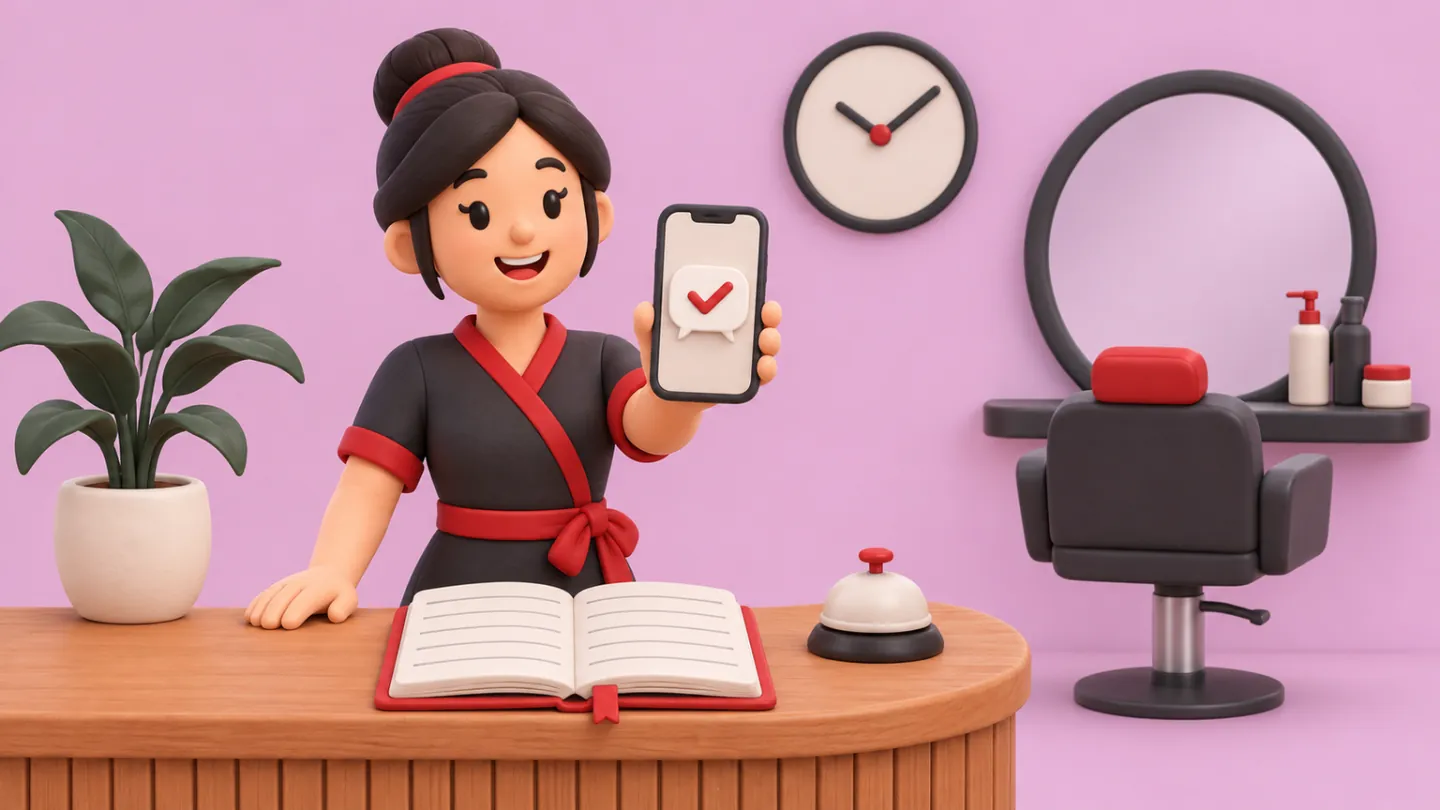
In a salon, a clinic or a shop, the receptionist is often on the phone while someone stands at the counter. That's where AI helps most. It takes the calls so the person at the desk can look up and deal with the customer in front of them.
What usually changes is the mix. The phone stops interrupting the desk, and the desk has time for rebooking, reviews, chasing unpaid invoices and the customers who walk in.
Will AI replace medical receptionists?
AI can take a clinic's booking, reminders and after-hours calls, but a person should still handle anything about symptoms, urgency or a distressed patient. Health information is also covered by stricter privacy rules in several provinces.
Healthcare is the biggest employer of receptionists. In the US it accounts for 42% of receptionist jobs, per the BLS. Clinic calls are also the ones where a wrong answer can hurt someone.
- Good fits for AI: booking and rebooking, reminders, directions and parking, what to bring, forms, and taking a message after hours.
- Keep with a person: anything about symptoms or test results, deciding how urgent a call is, upset or frightened patients, and billing disputes.
- Set a hard rule: if a caller describes an emergency, the AI tells them to call 911 and stops trying to book.
- Check where recordings and transcripts are stored. Ontario, New Brunswick, Newfoundland and Labrador and Nova Scotia have health information laws that apply instead of the federal private-sector law, and your college or regulator may have its own rules.
Can AI replace a secretary?
AI can do a good share of a secretary's or administrative assistant's routine work: sorting email, drafting replies, scheduling, filling forms and typing data from one system into another. It still needs a person to decide what matters, handle people and catch its mistakes.
The pay gap shows why owners ask. Job Bank puts the median wage for administrative assistants (NOC 13110) at $26.44 an hour across Canada. If you're weighing a hire, our guide on whether you need an administrative assistant goes through it task by task. If you're weighing remote help, see virtual assistant vs AI.
How much does a receptionist cost compared with an AI receptionist?
A full-time receptionist costs roughly $42,000 to $54,000 a year in wages and payroll costs, depending on the city. A human answering service in Canada runs about $130 to $420 a month for 50 to 200 minutes. Off-the-shelf AI receptionists list from about $49 to $299 US a month.
Here's a full-time receptionist (NOC 14101) at 40 hours a week, using Job Bank's median wages and the employer's share of CPP (5.95%) and EI (1.4 times the employee's 1.63%) for 2026:
- Vancouver area: $24.00 an hour median in the Lower Mainland–Southwest. $49,920 in wages plus about $3,900 in CPP and EI, so about $53,800 a year, or $4,480 a month.
- Winnipeg: $18.75 an hour median. $39,000 in wages plus about $3,000 in CPP and EI, so about $42,000 a year, or $3,500 a month.
- Canada-wide: $21.00 an hour median. $43,680 in wages plus about $3,400 in CPP and EI, so about $47,100 a year, or $3,920 a month.
Those totals leave out workers' comp, benefits, hiring, training, a desk and a phone. They also buy about 40 hours of a 168-hour week, less once vacation, statutory holidays and sick days come out. The employee cost calculator adds workers' comp for BC and Manitoba and shows the hours you actually get. Other provinces' rates differ.
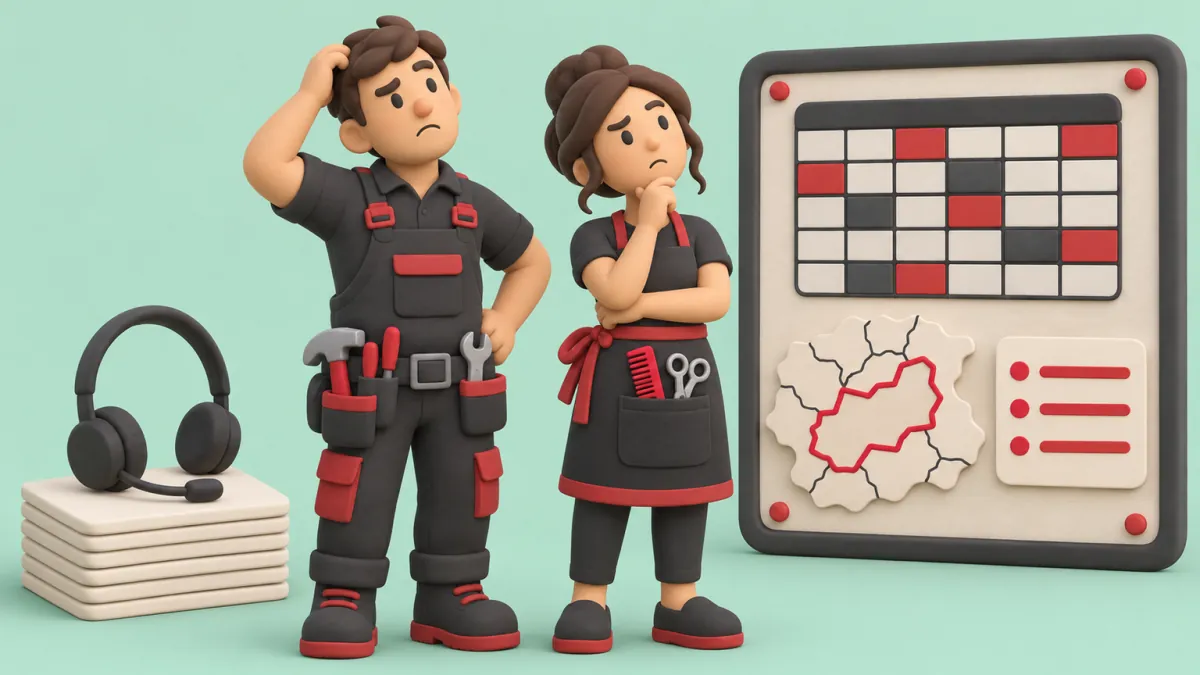
A human answering service charges by the minute. Posh's Canadian plans start at CA$65 a month plus $2.30 a minute, and run CA$130 for 50 minutes, CA$215 for 100 and CA$420 for 200, with extra minutes at about $2 each. Ruby, a US service, lists $250 a month for 50 minutes up to $1,725 for 500. Both offer 24/7 answering. Per-minute billing adds up fast: 300 minutes on Posh's 200-minute plan works out to about $630 a month.
Off-the-shelf AI receptionists are cheaper per call. Rosie lists plans from $49 a month for 250 minutes to $299 for 2,000, and Goodcall from $79 to $299 a month, priced by the number of unique callers. Both are US companies. The catch is setup: an AI receptionist only knows what you load into it, so your prices, rules and calendar have to be right, and someone has to check its calls for the first few weeks.
Side by side:
- Receptionist: about $3,500 to $4,500 a month in most of Canada. Business hours only. Handles everything, including the front desk and judgment calls.
- Answering service: about $130 to $700 a month at typical volumes. 24/7. Usually takes messages and transfers calls, and some book through your scheduling software.
- Off-the-shelf AI receptionist: about $50 to $300 US a month. 24/7, many calls at once. Answers questions and books by your rules, but hands anything unusual to a person.
What are the rules for AI receptionists in Canada?
Tell callers at the start if calls are recorded, give them a choice, and keep any text-back to a reply about their call. You're also responsible for where the recordings go and what the AI says.
Our post on AI receptionists for missed calls covers the basics of recording notices and why a text-back about the call itself is treated differently under the anti-spam rules. Here's what it doesn't cover:
- Recording needs a real choice. The Office of the Privacy Commissioner says customers must be given a choice about being recorded, and if recording isn't integral to the service, you should offer another way, such as continuing unrecorded or booking online. Most AI receptionists record and transcribe by default, so check the settings.
- Text messages are covered by Canada's anti-spam law. CASL applies to texts, not just email. A reply about the call is one thing. A promotion a month later is a commercial message, and an inquiry only gives you implied consent for six months.
- Know where the data goes. Many AI receptionist companies are American. The Privacy Commissioner's cross-border guidance allows processing outside Canada, but you stay accountable, need a contract that protects the data, and should tell customers their information may be processed in another country.
- Your province may have its own privacy law. BC, Alberta and Quebec have private-sector laws that apply instead of PIPEDA for information that stays in the province.
- You own what it says. After Moffatt v. Air Canada, assume a promise your AI makes on the phone is a promise your business made. Keep it to answers you've written and approved.
- Calling US customers? Federal law there allows recording with one party's consent, but ten states require every party's consent, California among them. A notice at the start of every call covers both countries.
One more thing that's good practice rather than a rule we could find: say up front that the caller is talking to an automated assistant, and tell them how to reach a person. People find out within a few seconds anyway, and it's better coming from you. This is general information, not legal advice. Check anything specific with a lawyer.
What works best: AI plus a person
For most small businesses, the best setup is AI answering first and handling the routine calls, with a person taking the calls that need judgment. The AI covers the hours and the volume. The person covers the trust.
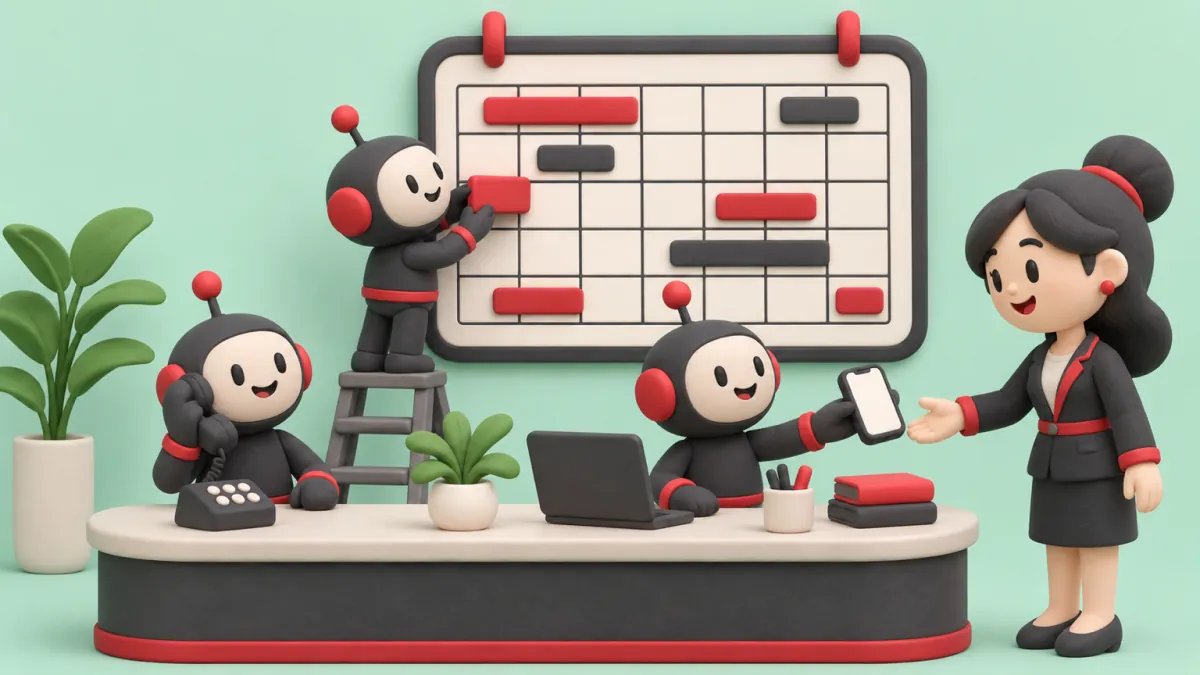
How that looks in three common businesses:
- A trade or one-person shop: AI answers while you're on a job, books estimates and texts back hang-ups. Urgent calls, like a burst pipe, ring straight through to your cell.
- An office with a receptionist: AI takes overflow when the line is busy, lunch hours and after-hours. The receptionist handles walk-ins, upset callers and exceptions, and gets time back for rebooking and follow-up.
- A clinic: AI books, reminds and takes after-hours messages. Anything about symptoms, results or billing goes to a person, with a summary so the patient doesn't repeat themselves.
The handoff is where these setups succeed or fail. Before you switch anything on, decide:
- Which words send a call to a person right away, such as "emergency", "leak", "pain", "lawyer" or "cancel my account".
- That any caller who asks for a person, or sounds upset, gets one. Many owners worry about older callers. Make "say 'person' or press 0" work on every call.
- Who picks up the transfer, and what happens when they don't. A callback promise with a time is better than a voicemail.
- Who reads the call summaries each day for the first month and fixes the answers that were wrong.
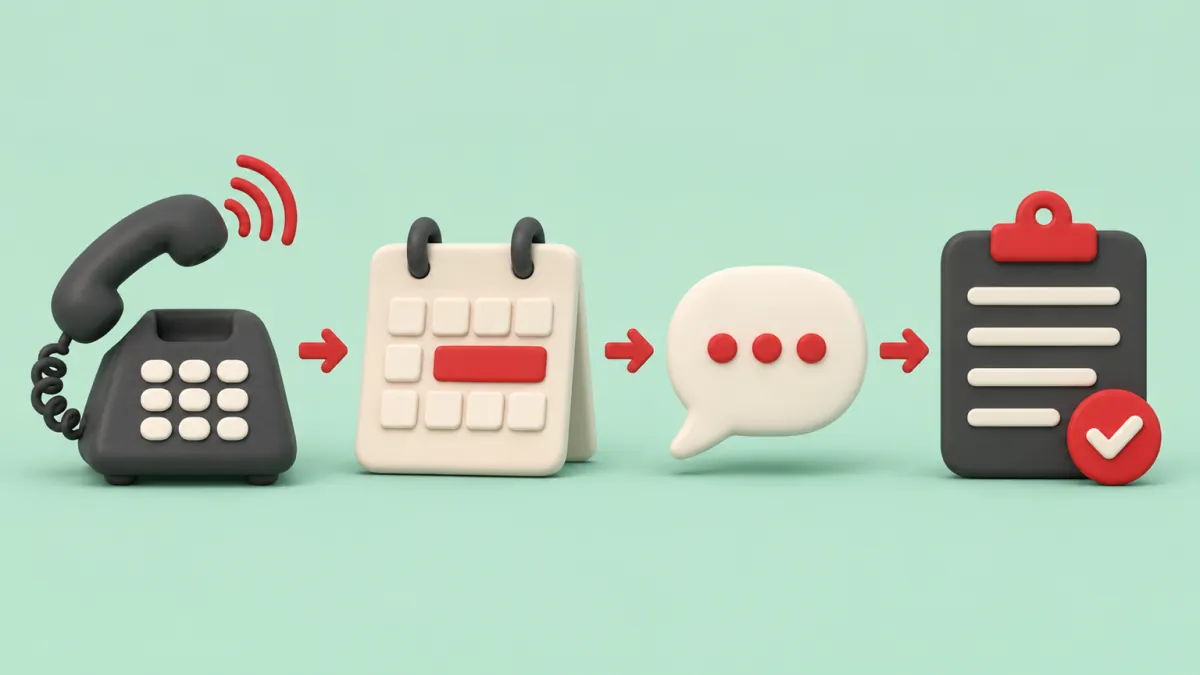
- AI answers the call
- Routine booking made
- Text-back sent
- Summary for your team
Want to see this mapped to your business?
If you'd rather not set it up yourself
This is how we'd set up a receptionist for a small business. It's a playbook, not a report on a client.
An off-the-shelf AI receptionist is the right first step for many businesses, and it's cheaper than what we do. Where we come in is when the call is only step one. The job still has to be quoted, followed up, scheduled with the right person and invoiced, and the phone tool doesn't talk to the rest of your systems.
- We build the receptionist around your real prices, service area, staff and calendar rules, written in your words.
- It books into the calendar you already use, texts back missed callers and hands hard calls to your person with a summary.
- Every call feeds the next step: a quote request, a follow-up, a reminder. See how we handle missed calls.
- Recordings, transcripts and customer details live in accounts you own, not ours. Here's why we insist on that.
Pricing in CAD: a free 30-minute call, then a $750 roadmap that's credited to the build. Builds are fixed-quote, usually $4K to $8K, and running costs are $750 to $1.5K a month. The first workflow is live in 2 to 4 weeks. Full details are on the pricing page, and the ROI calculator helps you check whether the numbers work for your call volume. We may not replace your receptionist, and often shouldn't. We can make sure every call gets answered and every caller gets a next step.
Start small
For one week, tally every call into two columns: routine (hours, prices, booking, directions) and needs a person (complaints, emergencies, anything unusual). Note which calls came in after hours or while the line was busy. If most of the routine column comes after hours or at peak times, start there: forward those calls to an AI receptionist for a month, read every summary, and keep your person on the calls that need them.
Questions people ask
Is an AI receptionist worth it for a small business?
It usually is if you miss calls while you're busy or after hours, or if most of your calls are the same handful of questions and bookings. It's less useful if most calls need judgment or a long conversation. A one-month trial on after-hours calls is a cheap way to find out.
Can callers tell they're talking to AI?
Most can tell within a few seconds, even when the voice sounds natural. It works better to say so at the start and offer a quick way to reach a person. Callers tend to mind being misled more than they mind talking to AI.
Can an AI receptionist transfer calls to a person?
Yes, most can transfer a call live or send an urgent message by text. You set the rules for which calls get transferred, such as emergencies, upset callers or anyone who asks for a person. Decide what happens when nobody picks up, so the caller still gets a callback time.
Do I have to tell callers the call is being recorded?
In Canada, yes. Federal privacy guidance says you must tell callers at the start, say why you're recording and give them a choice. Many AI receptionists record and transcribe every call by default, so the notice should be in the greeting.
Is an answering service better than an AI receptionist?
A human answering service is better with unusual or emotional calls. An AI receptionist is cheaper per call, answers many calls at once and can book straight into your calendar. Many businesses use AI for routine calls and keep a person, in-house or at a service, for the rest.
Not sure which calls AI could take?
Bring a week of your call log to a free 30-minute call. We'll sort the routine calls from the ones that need your person, and show you what each would cost to cover.